You found a bug. You filed a ticket. And then… nothing happened. It sat in the backlog for weeks, got deprioritized, maybe even closed as “cannot reproduce”.
The problem wasn’t the bug. It was the report.
A well-written bug report is the difference between a fix shipping this sprint and your ticket collecting dust for six months. Here’s how to write ones that engineers actually want to pick up.
Start With the Title — It’s Doing More Work Than You Think
Your title is a triage tool. When a PM or engineering lead is scanning 40 tickets, a vague title like “Login doesn’t work” tells them nothing. A good title tells them exactly what’s broken, where it’s broken, and gives them a gut sense of severity before they even click in.
Use this format:
[Component/Area] Brief description of the issue in present tense
Compare these:
-
❌ “Login doesn’t work”
-
✅ “[Login] Google SSO fails when user has 2FA enabled”
-
❌ “Payment bug”
-
✅ “[Payment] Checkout page hangs after entering valid credit card”
-
❌ “App crash on mobile”
-
✅ “[Mobile] App crashes when uploading images larger than 5MB”
The good titles give you component, action, and condition — all in one line. That’s what lets your team triage without opening every single ticket.
Before You File: Do a Quick Duplicate Check
This takes 30 seconds and saves everyone time.
Search your bug tracker by component or keyword. If a similar bug exists, add your details to that ticket instead. Fresh reproduction data on an existing bug is often more valuable than a new ticket — it confirms the issue is still active and might bump its priority.
If nothing matches, you’re clear to file.
The Anatomy of a Bug Report That Works
Here are the 6 steps I recommend. Each step earns its place.
1. Summary
One paragraph. What’s broken, where, and on what environment. Don’t bury the lead — this is your elevator pitch for why someone should care about this bug.
Include environment details upfront: browser, OS, app version, device. You’d be amazed how many bugs are environment-specific, and engineers need this to even begin investigating.
2. Steps to Reproduce
This is the most important section. Numbered steps, precise enough that someone with zero context can follow them and see the bug happen.
Include the specific test data you used and any relevant URL.
Note any preconditions (like needing a particular account type), and — this is key — flag whether the bug is intermittent or reliably reproducible.
An intermittent bug with good reproduction context is still actionable. A “sometimes it breaks” with no details is a dead end.
3. Current Behavior
What actually happens when you follow those steps. Include error messages verbatim, attach screenshots or screen recordings if the issue is visual, and paste relevant logs or console errors. Don’t interpret — describe. “The page shows a 500 error” is better than “the server is broken”.
4. Expected Behavior
What should happen instead. Be specific. “It should work” isn’t helpful. “The system should lock the profile during the claim process and return an error to subsequent claim attempts” gives engineers a clear target.
5. Impact Assessment
This is where you make the business case for prioritization. Cover who is affected (paid users? Free users? What percentage?), how often it occurs, what the business impact is (revenue loss? Compliance risk? Churn?), and whether any workarounds exist.
A bug affecting 2,000 paid users with no workaround and a compliance violation is getting fixed this week. The same bug with an easy workaround affecting free users? It’s going to wait.
A visual imperfection affecting our main viewports and 70% of our users is very different from a visual bug affecting an archaic viewport and 0.2% of your traffic.
I’d argue that marginal viewports and use cases should not even make it in the bug triage area. You have limited resources so not all bugs need to be fixed.
Help your team make that call by giving them the data.
6. Additional Context
The “connect the dots” section. Link related tickets, note when the issue started if you know (especially useful if it correlates with a recent release), include relevant customer feedback or support tickets, and paste stack traces or detailed console errors.
Getting Priority Right: P1, P2, P3
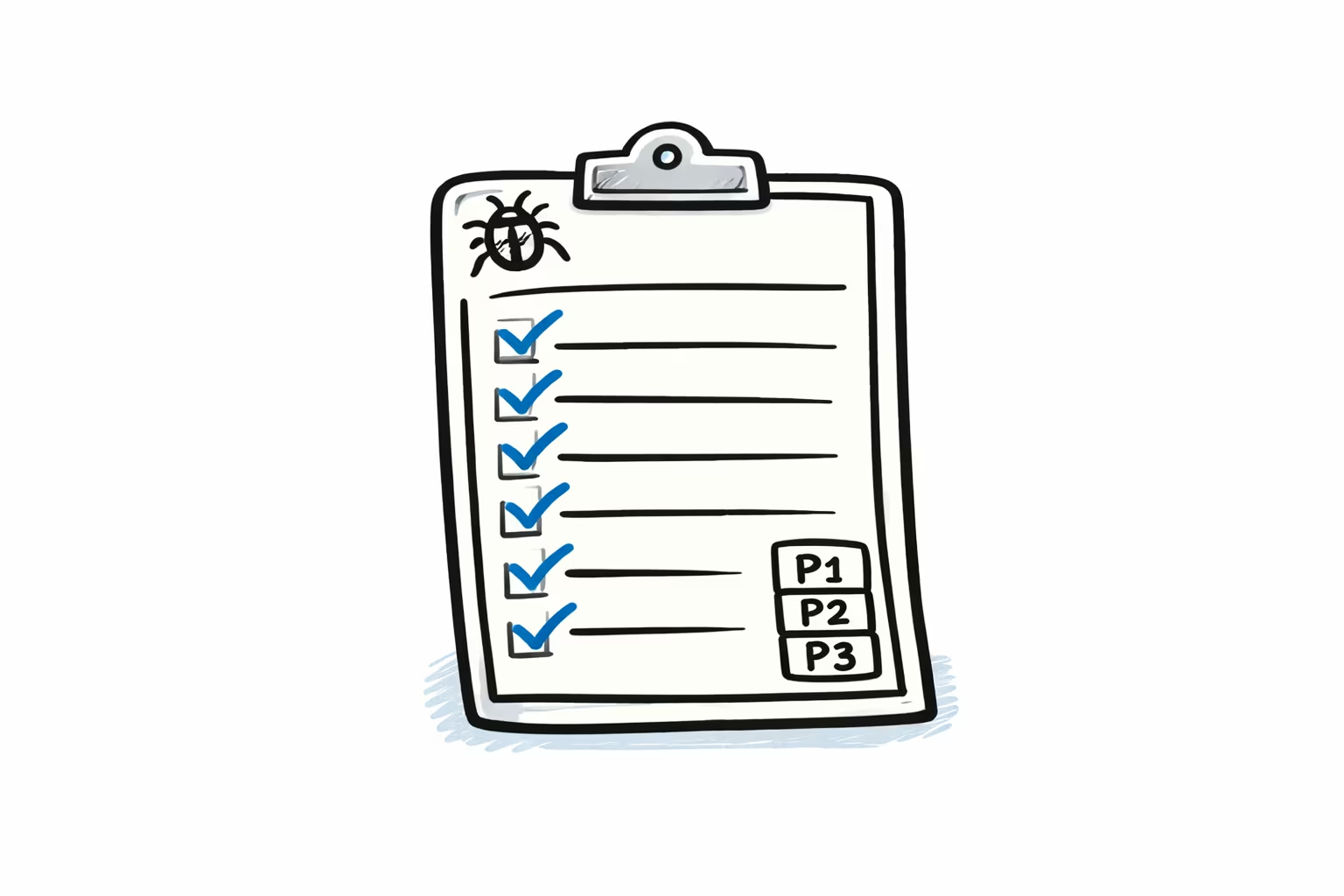
Priority isn’t about how annoyed you are. It’s a function of scope, severity, and available workarounds.
P1 — Critical/Blocker. Core functionality is broken. Data is being lost or corrupted. Security is compromised. The system is down. A large chunk of users are affected. There’s no workaround. Drop what you’re doing — this gets fixed now.
P2 — Major. Product functionality is significantly degraded, but there’s a path around it. Important features are impaired. The user experience suffers but people can still get their jobs done. A moderate number of users are impacted. These get fixed in the next release cycle.
P3 — Minor. Edge cases, cosmetic issues, small UI inconsistencies. A handful of users are affected. Easy workarounds exist. These get addressed when capacity allows.
One more thing on priority: if enterprise or paid customers are impacted, bias toward escalation. Consider adding a “Paid-Customer-Impacted” label to your workflow. Tracking the split between paid and free user impact gives your team the data to make smarter prioritization calls.
A Real Example
Here’s what a complete bug report looks like in practice:
Title: [Profile Claiming] Multiple coaches can claim the same athlete profile simultaneously
Summary: The profile claiming system allows multiple coaches to successfully claim the same athlete profile at the same time on prod environment v3.2.1. This creates duplicate claims and sends multiple job offer notifications to athletes, causing confusion and potential compliance issues with NCAA recruitment rules.
Steps to Reproduce:
- Log in as Coach A (any D1 program account)
- Open unclaimed athlete profile ID: #AT45692
- Click “Claim Athlete Profile”
- In separate browser, log in as Coach B
- Open same athlete profile before Coach A’s claim completes
- Click “Claim Athlete Profile” within 5 seconds
- Both claims succeed and create separate claim records
Current Behavior: Both coaches receive confirmation. Athlete receives multiple notifications. Database shows two active claims. No error displayed.
Expected Behavior: System should lock the profile during the claim process. Second coach should receive a “Profile is being claimed by another coach” message. Only the first claim should succeed.
Impact: Affects all D1/D2/D3 coach accounts (~2,000 paid users). 15 duplicate claims reported in the last week. Violates NCAA recruitment regulation 13.4.1. Workaround exists but requires manual checking.
Additional Context: Started after adding async profile claiming in v3.2.0. Related to performance improvement ticket #DE-892. Logs indicate a race condition in claimProfile() function.
Notice what makes this work: someone can read this ticket cold and understand the severity, reproduce the issue, and start working on a fix — all without pinging you for clarification.
Where AI can help with this process
In my job these question live in a markdown file where an AI agent can produce answers. The agent is connected to MCPs so access application usage metrics, source code and database. I show a concrete example of about AI helps with that in a separate post.
The Bottom Line
Good bug reports aren’t about bureaucratic process. They’re about respect for your team’s time and a genuine desire to see things get fixed. Every minute an engineer spends deciphering a vague ticket is a minute they’re not spending actually solving the problem.
In the age of AI agents picking up or assisting in development work a vague ticket can backfire in to hallucinations.
Write the bug report you’d want to receive. Your future self — your engineering team and your AI agent — will thank you.