In short: if you ship LLM features without evals, you’re guessing. Good evals need isolated prompts, representative test data, versioned runs, and output artifacts that make failures debuggable.
Shipping LLM features without standards means flying blind. You can’t measure if prompts improve, you have no protection against runaway costs, and when things break, you’re debugging in the dark.
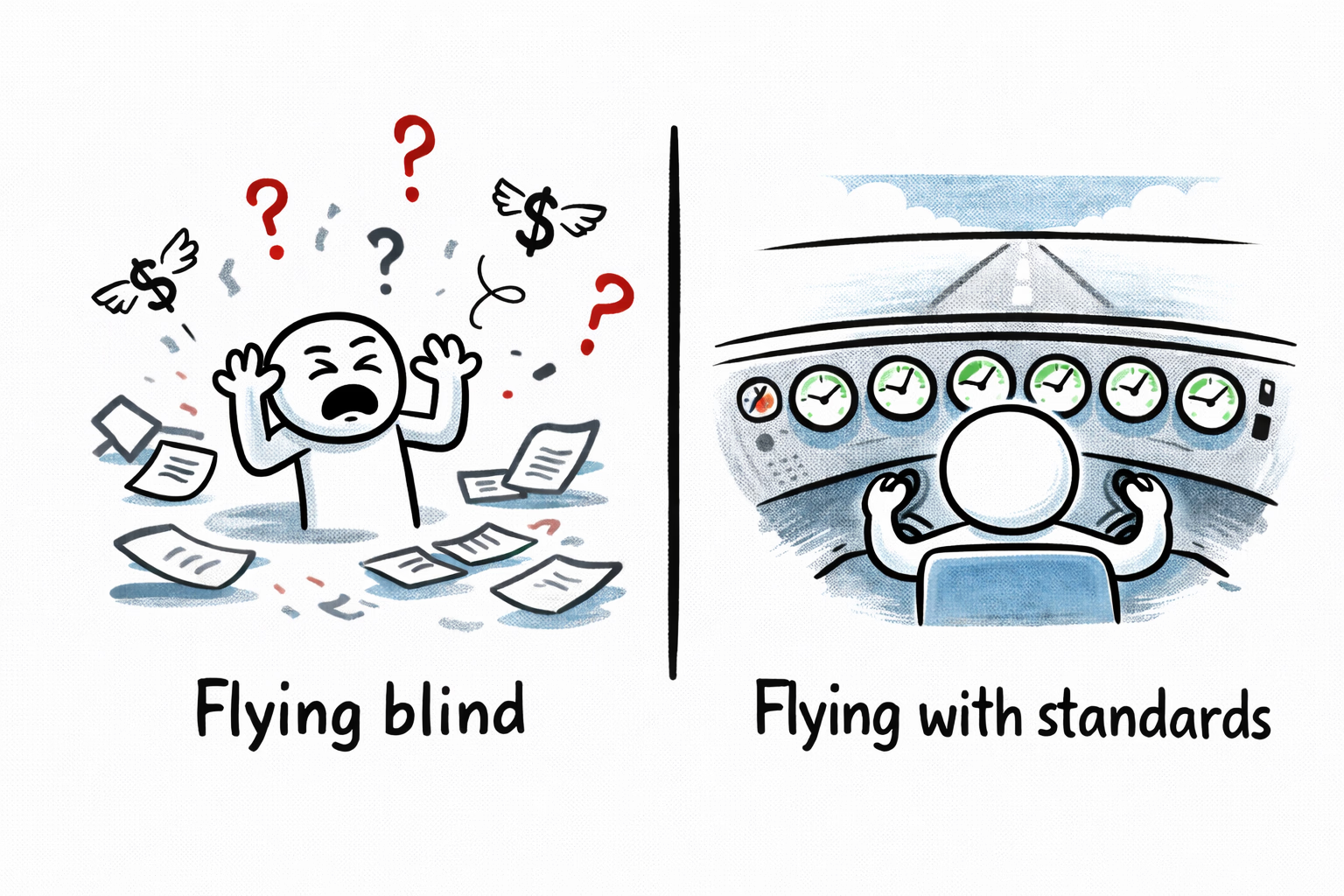
This checklist provides 8 standards for shipping LLM features in production—not chatbots, but applications that give LLMs structured inputs and expect structured outputs. Think: document classification, data extraction, content categorization.
I’ll reference a job board example (LLMs classifying senior government jobs and extracting salaries) where helpful to ground the concepts, but these standards apply across domains. Some require product vision (PM/Leadership), others are technical (developers)—both roles should understand all eight.
New to LLMs? Read my intro LLM and MCP: A primer for foundational concepts.
1. Test Dataset with Expected Outputs
PM/Leadership
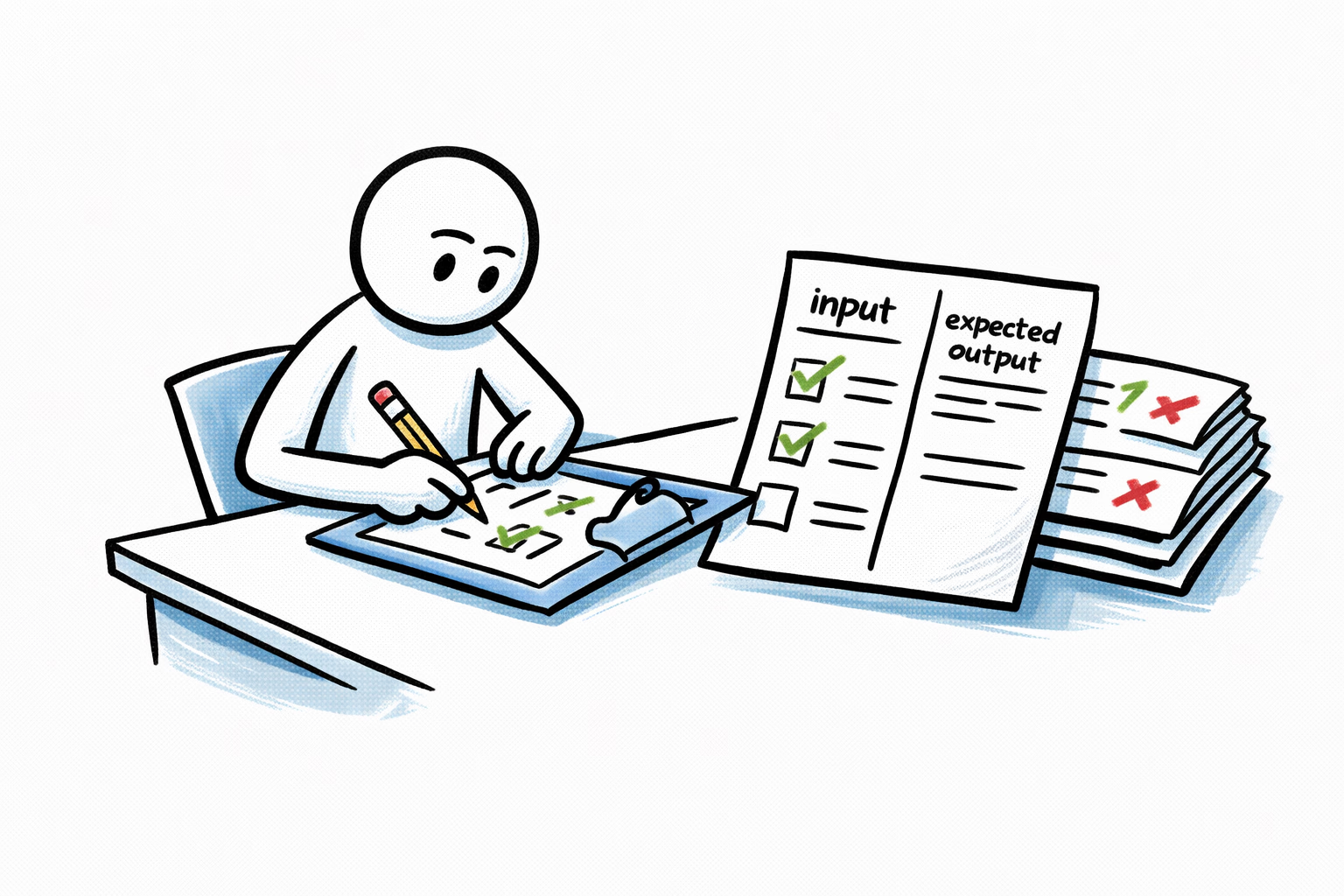
A domain expert will create a curated set of real-world test cases with clearly defined expected AI responses.
There is no silver bullet but ensure you collect a diverse set that captures the data you expect to handle. In our trivial example that would mean having examples of senior government jobs at the federal level and one from local government. If we have 50 states posting these jobs do we test them all? Are those job posts all in english? You see where this is going.
The number of these tests would depend on your use case. Do you need statistical significance or just an indicative test? I would say start from around 30. I usually go with 100 as a baseline. Less than that would just be noise.
Document these test cases before development or prompt engineering / testing begins. Include both clear matches and edge cases. This dataset serves as your ground truth for validation.
2. Performance Metrics & Thresholds
PM/Leadership
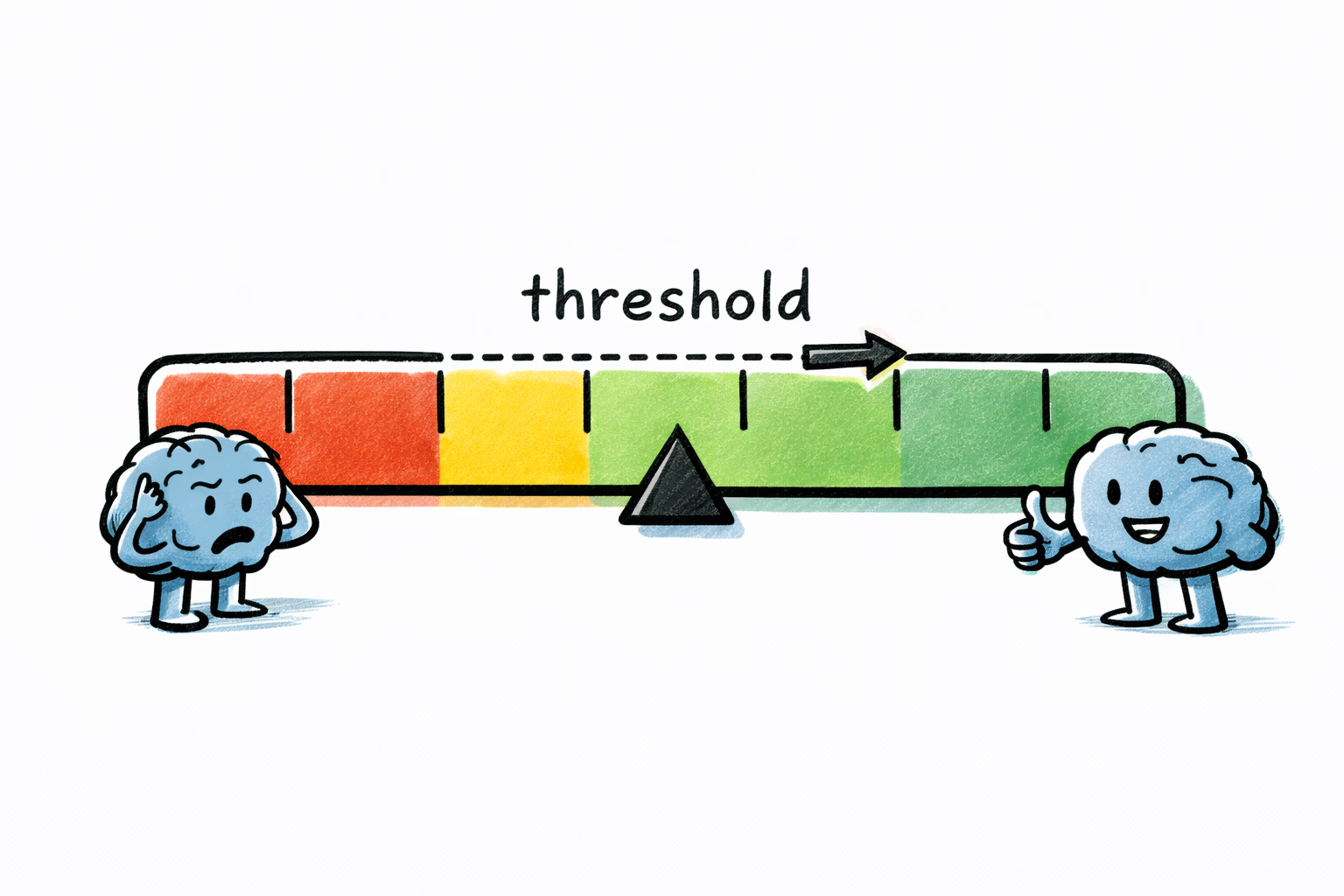
When you decided to use an LLM, you accepted that it won’t be 100% correct. LLM outputs are non-deterministic, so failures shouldn’t automatically be treated as bugs. You need to shift to a probabilistic mindset.
Determine your acceptable threshold: How often can this feature fail before it becomes a problem? Would you be concerned at 0.1% failure rate? 2%? 10%? Consider the business impact of errors and determine what’s acceptable. This conversation often needs to involve business stakeholders, not just the product team.
If you’re updating existing LLM features: Measure current performance as your baseline. What accuracy are you achieving today? Use historical metrics to evaluate whether prompt changes lead to any improvements.
Define metrics based on your task type:
- Data extraction (pulling salary from job descriptions): Define acceptable accuracy percentage
- Binary classification (is this a senior government job?): Define acceptable precision (accuracy of positive predictions), recall (percentage of actual positives caught), and F1 scores. The relative importance depends on business impact—are false positives or false negatives more costly?
- Multi-class categorization (tagging job by specialty): Define acceptable accuracy percentage
Example 1: “For our job classifier, we’ve determined that 85% accuracy is acceptable because manual review of the 15% errors takes only 2 hours daily and is already part of our QA workflow. Perhaps false negatives (= missing a senior government job) would have a higher negative impact than false positives (= including a non-senior role), so we’re optimizing for 90% recall even if precision drops to 80%.”
Example 2: “For salary extraction, we require 95% precision because incorrect salary data damages trust with jobseekers. We’d rather leave the field blank (lower recall) than show wrong information. Our threshold: extract only when confidence is high.”
3. Prompt Evaluation Framework
Software Developers
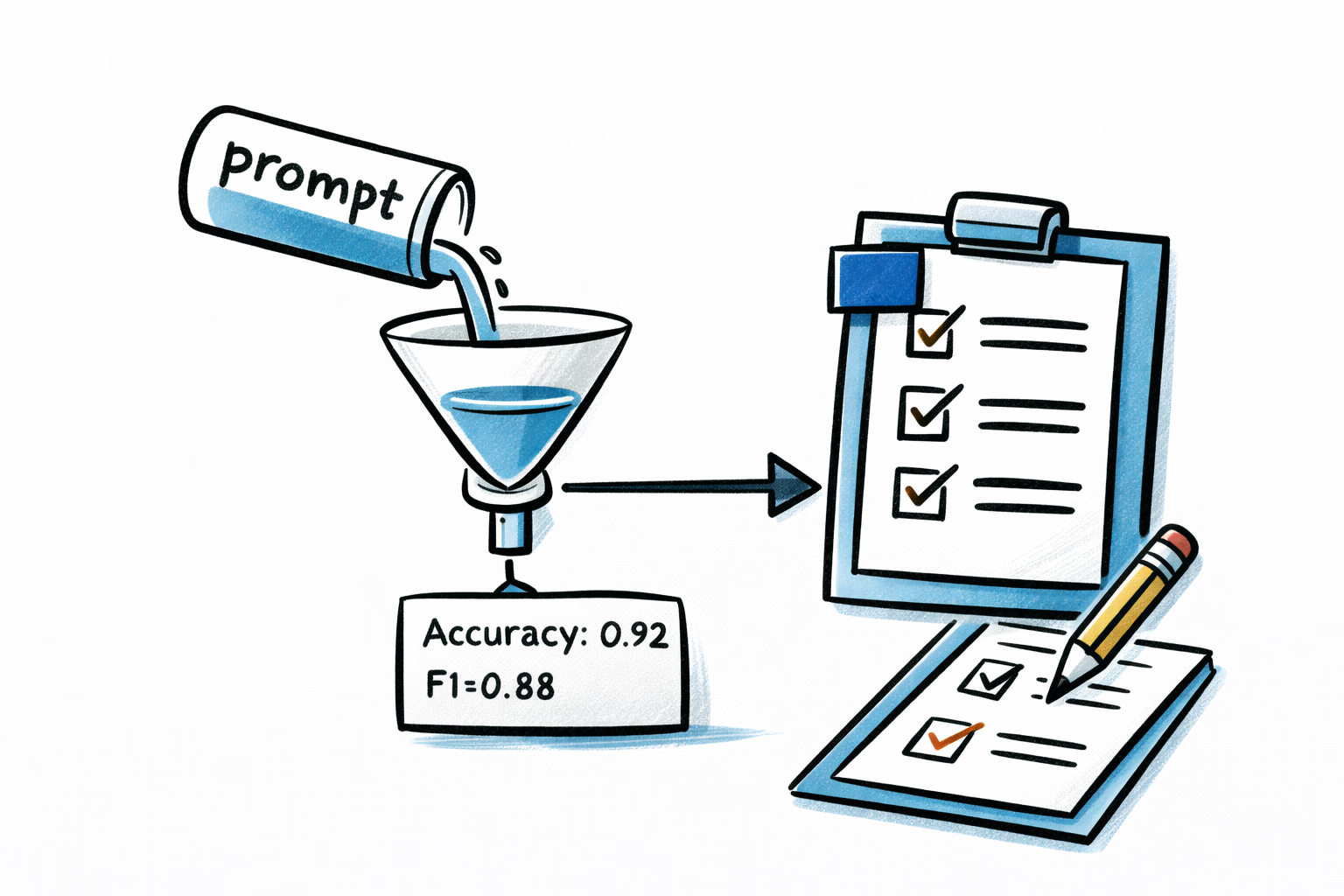
Treat prompts like code.
Evaluate the performance of each LLM prompt you add (or update) before deploying it to production.
Keep an audit trail of the test files you used in the evaluation and the prompt evaluation results. This will be your baseline for measuring success the next time you iterate on your prompt.
Establish a project standardized evaluation process/scripts to test new prompts against the test dataset, calculating precision, and where applicable recall and F1 scores.
Binary classifier:
Test time: 20250710_175411
Prompt IDs: pp-wip-xxx-2f184d@latest
Input file: test_dataset_200.csv
Model specified: gpt-4.1-2025-04-14

Number of tests carried out: 200
Accuracy: 0.8150
Precision: 0.8058
Recall: 0.8300
F1: 0.8177
Average response time: 1.60 seconds

Correct predictions: 163
Incorrect predictions: 37
Categorizations / field extraction:
Test time: 20250710_175411
Prompt ID: pp-wip-xxx-2f184d@latest
Input file: test_dataset_200.csv
Model: gpt-4.1-2025-04-14

Number of tests: 200
Correct: 163
Incorrect: 37
Accuracy: 81.5%

Average response time: 1.60 seconds
Store these result cards in an eval project dedicated to prompt evaluations.
These will be invaluable when inevitably your product will evolve and you’ll need to update your prompts. They’re also essential for evaluating whether new models perform better. Don’t trust vendor benchmarks alone—a new model version might score higher on generic tests but perform worse on your specific task. Always run your evals.
4. Cost & Efficiency Targets
Software Developers + PM/Leadership
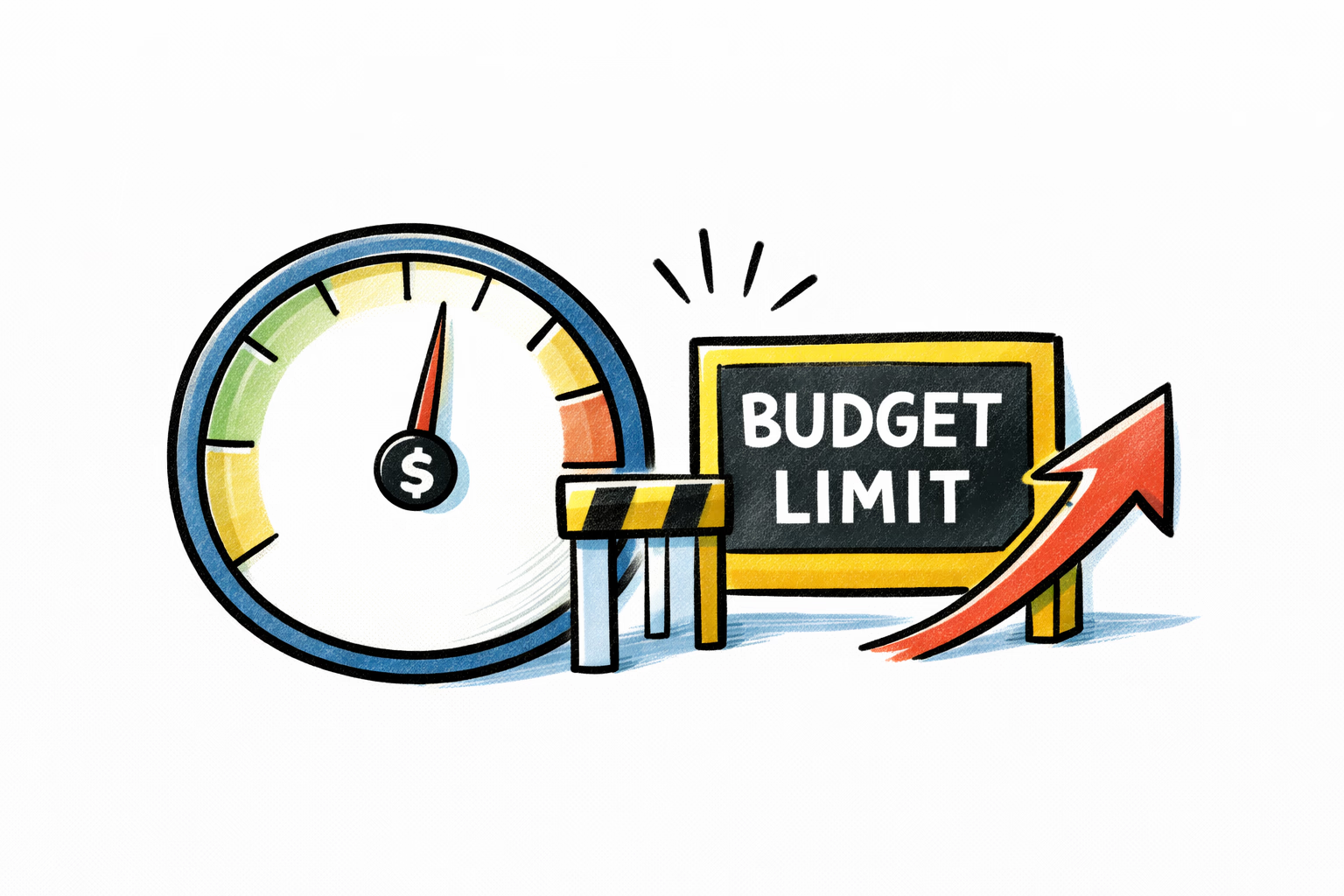
Determine an adequate AI budget for this feature.
Developers should provide estimated costs based on eval results, then project production costs using expected traffic volumes from leadership. Document per-feature budgets and establish spending limits.
Beyond planning, you need protection against runaway costs.
Beyond planning, you need protection against runaway costs. If our job classifier app has a bug and starts burning budget, our other apps using LLMs should not be impacted. Only the offending app’s LLM access should be inhibited.
Operational monitoring: Beyond cost alerts, set up alerts for:
- Accuracy degradation (when production metrics fall below your Standard 2 thresholds)
- Latency spikes (response time exceeds acceptable limits)
- Elevated error rates (LLM timeouts, API failures)
Fallback behavior: Define what happens when the LLM fails or times out. Can the feature gracefully degrade? Should it queue for retry, fail explicitly, or fall back to a simpler rule-based system?
Token usage and budgets should be handled with an AI gateway (like Portkey or OSS like https://langfuse.com/), which can also centralize your operational monitoring and alerting.
5. Human-in-the-Loop Feedback System
Software Developers
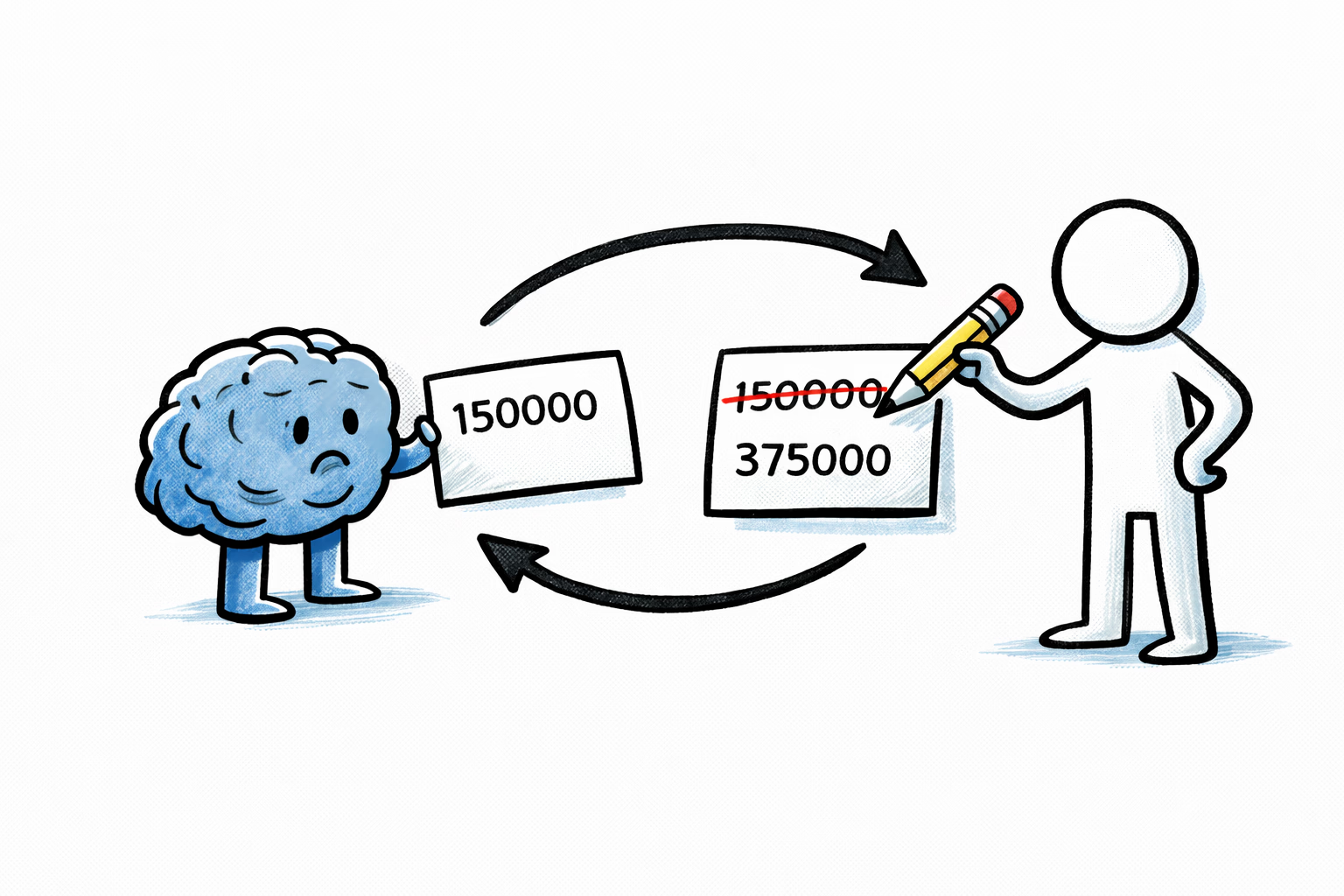
Track human interventions overriding the AI decision as part of the work on this feature.
Let’s assume we have a single LLM prompt per attribute we’re extracting. We’re extracting annual salary, annual bonus, and required certifications.
Collect human corrections as soon as possible within the app UI. If AI extracted 1500000 but the correct annual salary was 150000 the UI should allow the operator to correct that and the app should have an audit log of the changes.
This will allow you to identify and quantify the worst performing prompts (due to a high number of corrections) and direct future prompt iterations.
6. Prompt traces
Software Developers
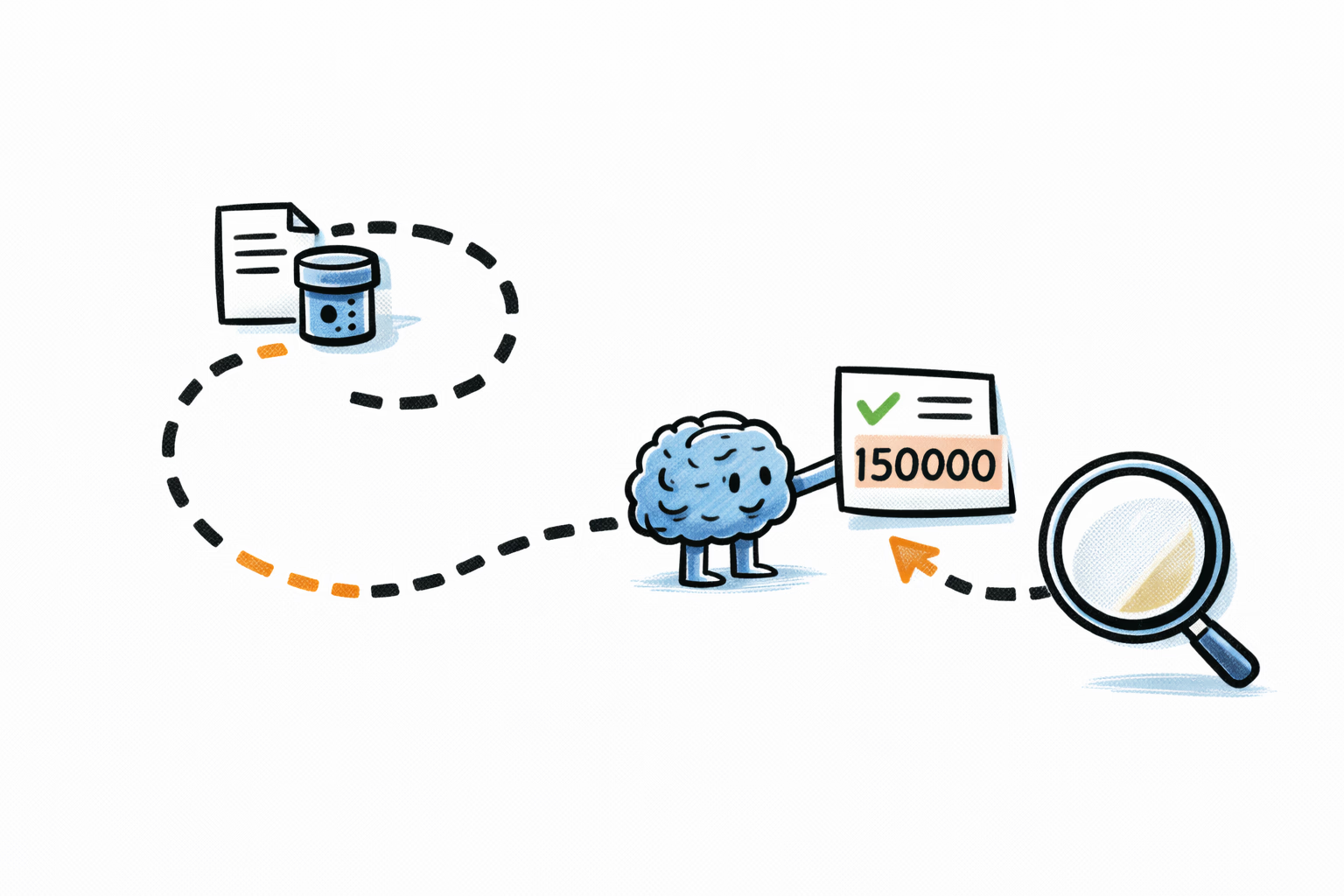
Store a trace of all LLM calls as part of this feature.
This allows debugging issues and tracking LLM interactions through your application. Use a unique trace ID like job_classifier_step1_UUID_TIMESTAMP to reference the LLM request/response details. Store the raw details in your AI gateway—your database should only store the result of that LLM interaction (i.e., yes/no for a senior government job prompt).
I can’t stress enough: these traces will be invaluable in debugging issues. I once inherited an app where the original implementation skipped this step—we had to painfully backfill traces because we were completely blind to what was happening.
7. Version Control & Rollback Process
Software Developers
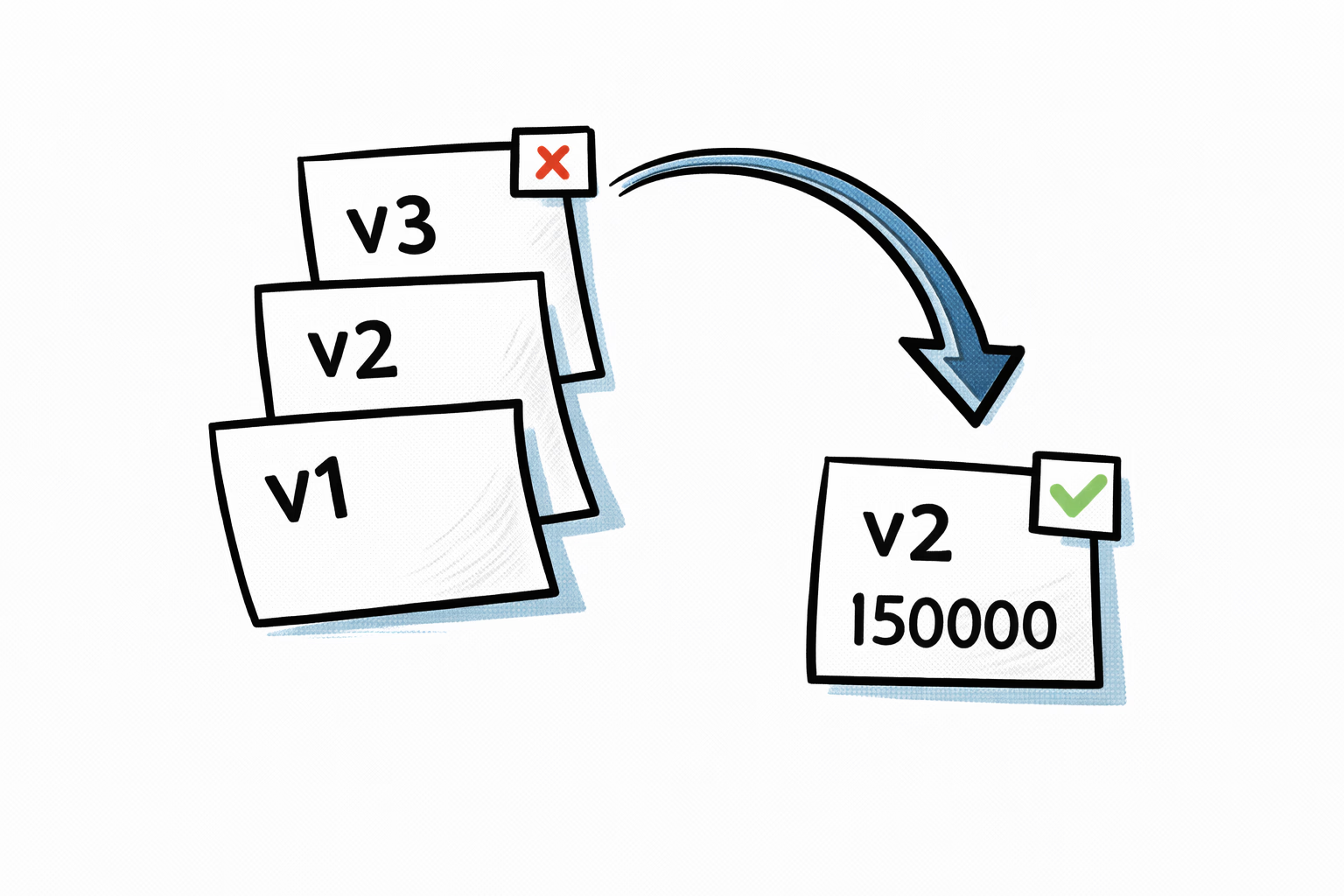
Maintain versioned prompts with the ability to quickly rollback if new prompts fall below established thresholds.
Delegate this to an AI gateway. Don’t complicate your app code trying to keep the prompt checked in.
Any new version of the prompt should go through Standard 3 of this list: Prompt Evaluation Framework and keep performance metrics logged for each version.
8. Regular Audit Cadence
PM/Leadership

Schedule periodic reviews (weekly/monthly) to:
- Evaluate AI performance trends against your thresholds (step 2) and assess new AI models for cost, speed, and accuracy improvements (step 3)
- Analyze HITL correction patterns and refine prompts as needed (step 3)
This requires ongoing commitment—don’t let it slide after initial implementation.
Conclusions
These 8 standards provide a foundation for shipping LLM features that work reliably at scale. They’re not dogma—adapt them to your context and constraints. The key is having some standard process rather than treating each LLM feature as a one-off experiment.
LLMs unlock powerful capabilities, but without discipline you’ll find yourself in endless prompt whack-a-mole, burning budget on production bugs, or blind to what’s actually happening in your system. Start with a solid test dataset, establish clear metrics, and never skip the evals. Your future self—and your stakeholders—will thank you.
These are exciting times. Ship thoughtfully.